
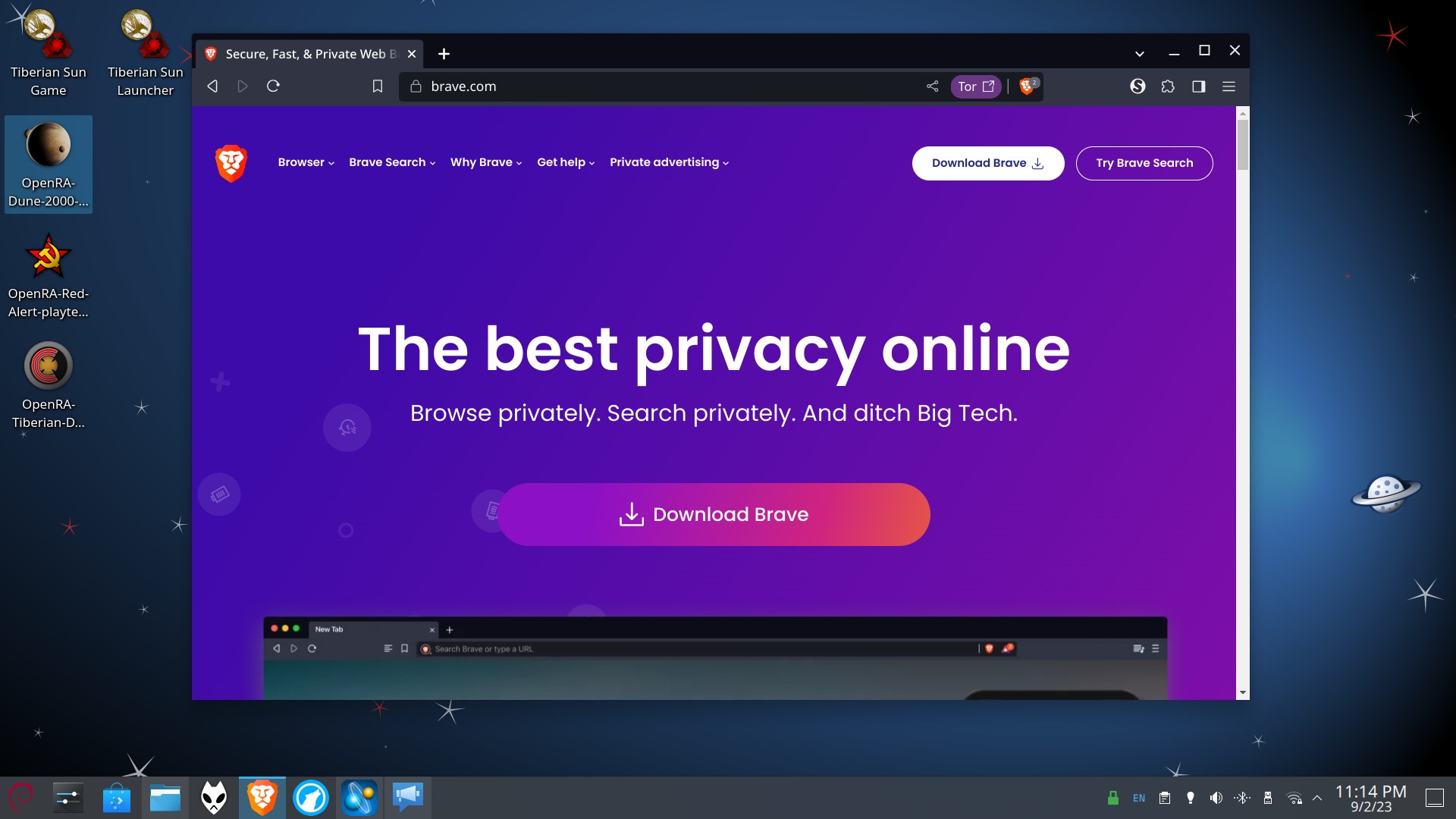
Installing the Brave Web browser on Debian 12 is fairly straightforward.
You basically have two options.
Brave’s official Apt repository, which uses the native Debian packaging format, or the Flatpak if you’ve installed Flatpak support, as I discussed in my post about setting up Debian 12 (for KDE users…as Flathub only has setup instructions that are appropriate for GNOME) in my recent post.
Since the Flathub version is basically just Flathub making an unofficial Flatpak by dumping out one of the native packages (DEB or RPM, I don’t know) and then “sandboxing it”, which would block file system access to some of my extensions, I decided to use the native Debian package.
Brave has instructions here and recommends using theirs and not the unofficial Flatpak.
While it is ultimately up to you, we highly recommend only using official sources to download/install Brave.
You can download the Beta from our official website here.
-Brave’s Official Position on the Flathub version
However, I was hit by a small issue where, since I have multi-arch support set up to bring in 32-bit x86 libraries to run Windows 32-bit software in Wine, and Brave does not specify an arch, and they don’t have a 32-bit version of Brave, it led to an unsightly complaint about this from Apt every time I did apt update.
To remove the complaint, I followed the instructions here.
Since I already had the repository set up, I just opened /etc/apt/sources.list.d/brave-browser-release.list in nano.
sudo nano /etc/apt/sources.list.d/brave-browser-release.list
Then you see something like this:
echo "deb [signed-by=/usr/share/keyrings/brave-browser-archive-keyring.gpg] https://brave-browser-apt-release.s3.brave.com/ stable main"|sudo tee /etc/apt/sources.list.d/brave-browser-release.list
So you change it to add “arch=amd64” (no quotes) after the “keyring.gpg”. It will look like this:
echo "deb [signed-by=/usr/share/keyrings/brave-browser-archive-keyring.gpg arch=amd64] https://brave-browser-apt-release.s3.brave.com/ stable main"|sudo tee /etc/apt/sources.list.d/brave-browser-release.list
Then Ctrl+X and Y to save it and close nano. Then proceed to install Brave:
sudo apt update && sudo apt install brave-browser
Once you open Brave, you can begin setting the browser up.
Like most Web browsers, it offers to import everything from the browsers you have on your system. In my case, it found Firefox ESR and offered to import everything out of that. So I told it yes, and everything from Firefox re-appeared in Brave.
From this point, it was a matter of finding and turning off the Brave Rewards stuff, the visual clutter in the New Tab page, the widget for Rewards in the address bar, and “sponsored wallpapers” and “Brave News”.
Once I had done that, I went to Brave Shields (the ad blocker and anti-fingerprinting system), and chose aggressive ad blocking and aggressive anti-fingerprinting, and clicked on “Content Filtering” and set up the following extra block lists.
(Unlike some sad trashy Web browser from Microsoft or other ones from Google and Mozilla, Brave has a built-in ad blocker that will be totally exempt from Google’s upcoming ManifestV3 limitations. It blocks all kinds of garbage, but we can do better.)
Easylist Cookie
Fanboy’s Annoyances
Fanboy’s Social
Fanboy’s Anti-Newsletter
Fanboy’s Anti-Chat apps
Fanboy’s Mobile Notifications
ublock Annoyances (to be used with Fanboy’s Annoyances)
YouTube Mobile Distractions
YouTube Mobile Recommendations
Then I went to Social Media Blocking.
Disabled Facebook, LinkedIn, and Twitter embedded content and logins.
Went to Search engine/Manage search engines and site search.
Added Searx Belgium by clicking Add next to Site Search.
Search engine:
Searx Belgium
Shortcut:
sb
URL with %s in place of query:
(Click Add, then click the three dots on the right of the entry and Make Default)
Extensions:
Disable WebTorrent (it’s not great…KTorrent or others are better)
Disabled Widevine (Google’s Web DRM)
Web3
Turn off “Show Brave Wallet Icon in Toolbar”
Appearance:
Brave colors: Dark
System:
Memory Saver: On
(Set up any sites you want to exempt from being potentially unloaded in the background to save memory.)
Then I install my add-ons:
Plasma Integration (By KDE, for better desktop integration with KDE)
Bypass Paywalls (Follow the instructions on the site for Chrome.)
NoScript Security Suite (Blocks JavaScript and other trash by default and lets the user whitelist domains.) (Exported my whitelist from LibreWolf and then imported the txt file to NoScript in Brave.)
Video Download Helper (needs CoApp for file system access if you save from HLS streams where the browsers download won’t work. Won’t work if you have browser from Flatpak)
(Linux users don’t need a license to use the Premium features in this extension, per the developer.)
“Because of Chrome Web Store policy, it is not possible to provide the ability to download from YouTube (Google owns both YouTube and Chrome and is abusing of this position).”
-Video Download Helper
Debian has yt-dlp which isn’t limited by the Chrome Web Store (and works on a lot of sites).
sudo apt install yt-dlp
Now Brave should be basically set up the way I use it.
Set up a Sync chain with your other devices and computers if you want to.
A note about a few other features I like in Brave:
Brave support browsing in Private Mode over the Tor network. It isn’t as safe as using the Tor Browser, but it will stop your ISP or library or school or work WiFi from logging what you’re doing while you use their network to browse the Web.
Brave recommends using this for “privacy”, but not “bet your life on it”. If you live under an evil regime that is hell bent on unmasking you, it’s better to use the Tor Browser (and with the security slider on High if possible, or Medium failing that).
Potentially also useful as a second layer of defense for your VPN.
You can use this manually or have it activate itself whenever you encounter an article, to “blow away the junk” and automatically go to Reading Mode.
Web Apps
Install any site as its own dedicated application and pin it to your Taskbar.
Removes Google AMP links automatically.
Google AMP is a serious threat to Web users. It’s basically fraud. You can’t even tell that you’re using a Google server and not the site you think you’re on, and they’re made to make it harder to filter unwanted content out of than a real site.
Brave removes AMP and redirects you to the real Web site.
(Mainly a problem with news sites, especially in the Google App on Android. Brave removes AMP on their Android browser too.)
In summary, Brave is all kinds of cool.
They rip out the creepy junk from Chrome and leave you alone to browse the Web in peace.
The browser is quite fast and as secure as a Web browser is likely to be these days.
NoScript blocking most of the Active Scripting and related junk on the Web makes it even safer and faster. ⬆